MICNO VFD Keypad
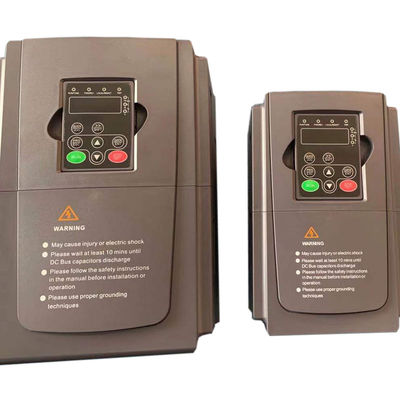
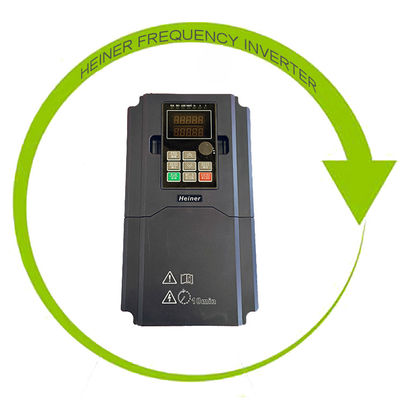
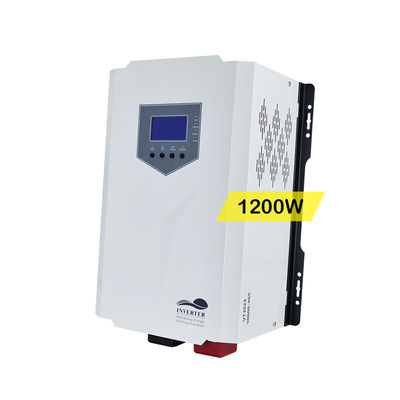
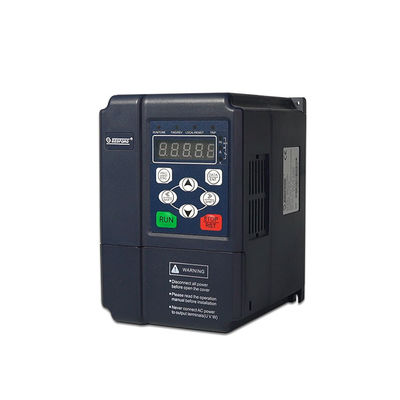
In addition to a variety of premium variable frequency drive, we also offer VFD accessories, like VFD keypad.
VFD Keypad Function
* Programming: Entry or escape of first level menu
* Enter: Press the enter key to set the parameters
* Up: Sets the parameter number and gradually increases the numerical data
* Down: Sets the parameter number and gradually decreases the numerical data
* Right Shift: In parameter setting mode, press this button to select the bit of parameter value to be modified. In other modes, pressing Right Shift key to cyclically display parameters.
* Run: Starts AC drive operation
* Stop/Reset: Used to stop the inverter in running status, restricted by P7.04;
Used to reset the inverter without any restriction when a fault occurs;
* Shortcut Key: Determined by Function Code P7.03:
0: Jog operation
1: switch between forward and reverse
2: clear the UP/DOWN settings
3: Quick debugging mode1(by menu)
4: Quick debugging mode2(by latest order)
5: Quick debugging mode3(by non-factory setting parameters)
* Combination Key: Pressing the RUNand STOP/RESET at the same time can make the inverter coast to stop
VFD Keypad Indicator Light Discription
1. Function Indicator Light Discription
| Function Indicator | Description |
| RUN/TUNE | OFF:stop status Flickering:auto-tuning parameter status ON: operating status |
| RFWD/REV | OFF:forward operation ON: reverse operation |
| LOCAL/REMOT | OFF: keypad control Flickering: terminal control ON: communication control |
| TRIP | OFF: normal operation status Flickering: overload pre-warning status |
2. Unit Indicator Light Description
| Unit Indicator | Description |
| Hz | Frequency unit |
| A | Current unit |
| V | Voltage unit |
| RPM | Rotating speed unit |
| % | Percentage |
Digital Display
On the five-digital LED display of this inverter accessory, all kinds of alarm codes of monitoring data, such as reference frequency, output frequency, etc. can be shown.
VFD Keypad Packaging
Company Profile
| Contact Person : | Franny |
|---|